-
Shop
- Advanced Technologies
- AI Career Advantage Collection
- AI Skills Mastery 2026 Collection
- Bathroom
- Best-Sellers
- Car Accessories
- Dating & Social Skills
- Digital Resources
- AI Skills
- Beauty
- Car Buying & Ownership
- Cozy Feast Collection
- Electronics & Technology
- Emotional Intelligence
- Financial Education
- Home Styling & Organization
- Mindset
- Online Business
- Parenting & Child Development
- Personal Style & Fashion
- Pet Lifestyle & Wellness
- Positive Thinking
- Self Confidence
- Sleep Improvement
- Smart Life with AI
- Stress Management & Relaxation
- Wellness
- Yoga & Fitness
- Yoga & Mind-Body Practices
- Education & Learning
- Family & Parenting
- Fashion
- Furniture
- Gadgets
- Health & Beauty
- Health & Wellness
- Home & Garden
- Home Electronics
- Jewelry
- Kids & Babies
- Kitchen
- Lighting
- Online Business for Beginners
- Patio, Lawn & Garden
- Personal Growth
- Pet Care
- Pet Supplies
- Pets
- Shoes
- Smart Home Living Guides
- Sport & Outdoors
- Stress Relief & Relaxation
- TikTok Growth & Monetization Mastery
- Travel
- Travel Planning
- Wealth
- Wealth Building
- Budgeting & Saving
- Cryptocurrency Investing
- Debt Management
- Entrepreneurship & Business Growth
- Family Finance & Budgeting
- Financial Independence
- Financial Mindset & Psychology
- Financial Planning
- Frugal Living & Expense Hacks
- Goal Setting
- High-Income Skills
- Investing Basics
- Leadership
- Motivation
- Networking & Mentorship
- Passive Income Strategies
- Real Estate Investing
- Side Hustles
- Stock Market Investing
- Popular
- Best deals
How to Activate Zoom on Your Phone Camera

20% off on product page · save $2.25
How to Activate Zoom on Your Phone Camera
Activate Zoom in Your Phone’s Camera
Open your Camera app, point it at your subject, and look for a zoom control such as “1×” near the viewfinder. Tap a higher magnification option if one appears, or place two fingers on the preview and spread them apart to zoom in; pinch them together to zoom back out.
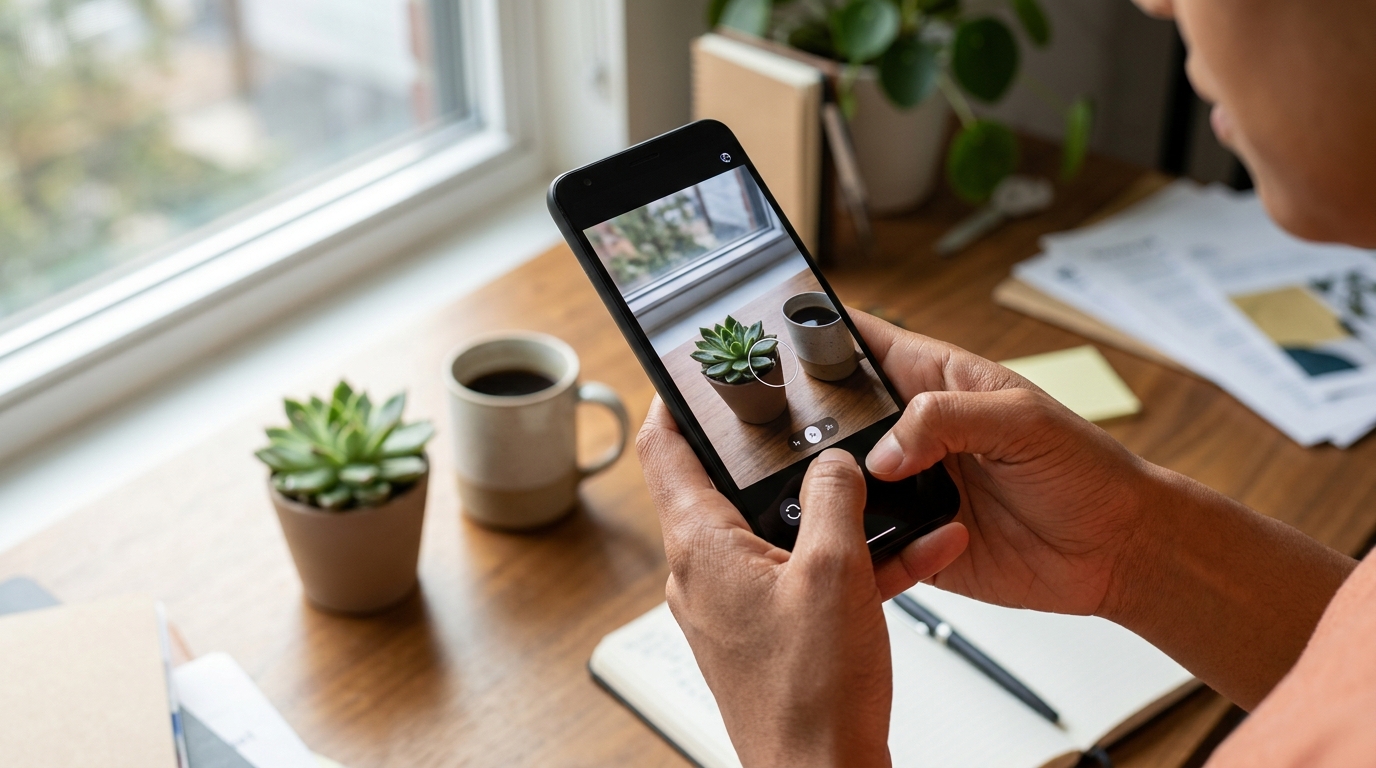
Choose the Right Amount of Zoom
Start at 1× and increase the zoom only as much as you need to frame your shot, since heavy digital zoom can make details look softer. If your phone shows several fixed options, try them before using the pinch gesture: an available lens option may give you a clearer result than zooming farther between settings.
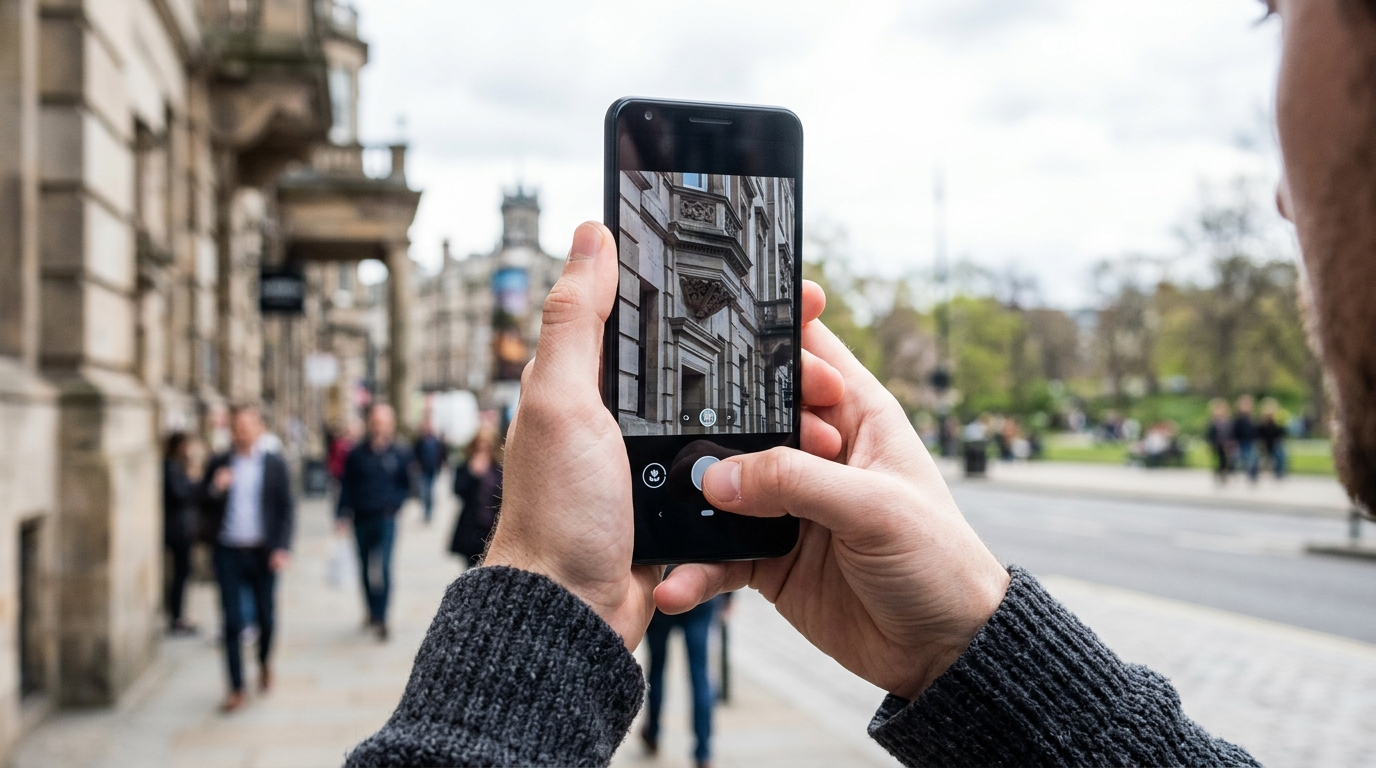
Featured in this guide
Understanding Phone Zoom Quality: A Complete Guide to Phone Camera Zoom Quality Explained
If You Don’t See a Zoom Control
Make sure you’re in a standard photo or video mode, because some camera modes offer different controls or limit zoom. You can also tap the screen once to reveal controls that have disappeared, then try the pinch gesture; for more on what affects the result, read our guide to phone camera zoom quality.
Check the product’s listed specifications when evaluating if you don’t see a zoom control.
If You Mean the Zoom Meeting App
Zoom for video meetings is separate from your phone camera’s zoom feature: open the Zoom app to join or start a meeting rather than looking for it in Camera settings. If the app isn’t installed, you may need to get it from your phone’s app store; the options for joining a meeting can depend on the invitation and how you open its link.
FAQ
How do I turn on Zoom on my phone?
For camera zoom, open the Camera app and tap a magnification option or spread two fingers on the viewfinder. For a Zoom meeting, open the Zoom app or follow the meeting link you received.
See if Understanding Phone Zoom Quality: A Complete Guide to Phone Camera Zoom Quality Explained fits your setup
Do You Need the Zoom App on Your Phone?
Oct 13, 2026
Pregnant? How to Choose the Right Health Insurance
Oct 13, 2026













Leave a comment